Reports at a glance
Reports pull your whole meter estate into one table. Where Data Analysis shows a single metering point in detail, Reports put them side by side: a balance across your locations, a calendar year in monthly figures, the power peaks per metering point.
You find the section under Data → Reports.
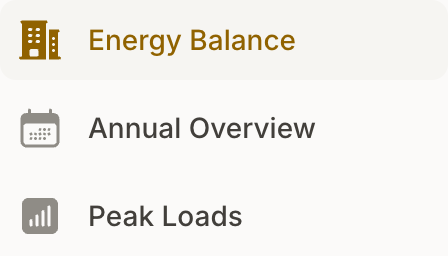
The three reports
- Energy Balance: One row per location with consumption, feed-in, and the balance between them for any time range. Answers which location buys energy in and which one gives back.
- Annual Overview: A calendar year in twelve monthly totals, split by direction per location. The basis for annual filings and settlements.
- Peak Loads: The highest quarter-hour power per metering point and month, in kW. Shows whether the agreed connection capacity still fits.
What all three share
Every report narrows to one customer or a single location. The customer filter appears for teams with customer management, included from the Plus plan upwards.
If your team has customer management, the tables break into customer blocks. Totals are deliberately never summed across customers.
The grid operator transmits readings overnight. All three reports therefore reach yesterday at the latest, and the page header names the cut-off.
Reports draw on metering points with the status "Connected". Metering points still working through the consent process do not appear.
Which report for which question
| Question | Report |
|---|---|
| How much did location X draw last quarter? | Energy Balance |
| How does the yearly consumption spread across the months? | Annual Overview |
| How high was the peak power in July? | Peak Loads |
| What does a single day look like over time? | Data Analysis |
Preview
Annual Overview and Peak Loads carry a "Preview" mark in the page header. Both are ready to use, and their presentation may still change in coming releases.
Availability
Energy Balance and Annual Overview are included from the Light plan upwards. Peak Loads requires Advanced Analysis, included from the Plus plan upwards. On the Community plan the section does not appear in the navigation.
