Requesting Historical Data
When you connect a meter, you can simultaneously request past consumption data — that is, data from before you started using the platform.
What Is Historical Data?
Historical data is readings that your grid operator has already stored but has not yet delivered to energiedaten.at. By requesting it retroactively, you can close this gap and analyse your consumption over the past months.
How the Request Works
When connecting a meter, the "Data Request" section offers the toggle "Also request historical consumption data". Enable it and select the desired time period.
The request is submitted to your grid operator together with the connection request. The data is delivered within a few days — typically alongside the first regular readings.
How Far Back Can You Request Data?
The available period depends on your plan:
| Plan | Historical Data |
|---|---|
| Community | Up to 1 month |
| Light | Up to 12 months |
| Plus | Up to 24 months |
| Pro | Up to 36 months |
Historical data is available on every plan: the Community plan reaches back one month, the paid plans correspondingly further.
Important Notes
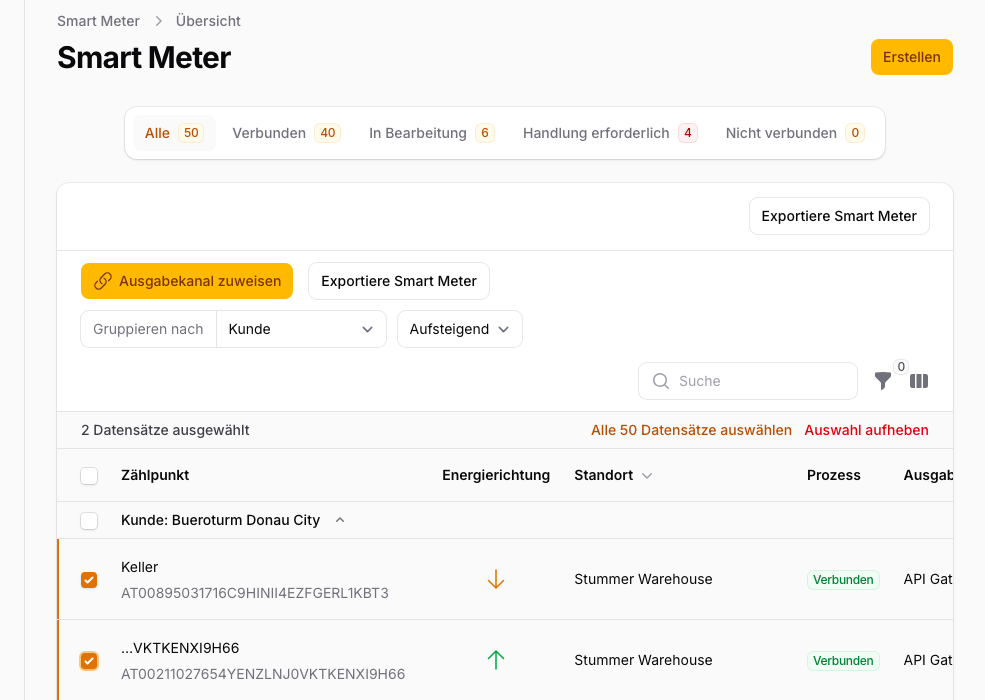
Also available after connecting: The historical data request can be enabled when first connecting a meter. For meters that are already connected, you can request historical data via the bulk actions in the meter overview.
Data may be incomplete: Not all grid operators deliver historical data for the full available period. Gaps may occur — this is due to availability at the grid operator, not the platform.
Requesting Data After Connecting
Even after connecting your meter, you can request additional historical data at any time.
Where to find it: Smart Meter → "Data Coverage" tab → "Historical Data" card.
How it works:
- Choose a start date ("From") — the earliest allowed date is determined by your plan limit (e.g. 24 months back on Plus).
- The "To" date is set automatically to the day before your active data sharing began, to avoid overlaps.
- Only one request per meter can be in flight at a time.
How long it takes: Grid operators typically respond within a few working days; some take several weeks. Data is delivered afterwards — sometimes in multiple batches spread over several days.
L3 data: Individual days may contain L3 values (unreliable estimates) — typically when meter communication was briefly disrupted. The grid operator is legally required to replace L3 values with reliable readings (L1 or L2) within 60 days. Our system picks up the replacements automatically. In the calendar, L3 days are shown as "Partial" (yellow) until better data arrives. L3 is not the same as a standard load profile (SLP) — see the Glossary.
Rejections: If a request is rejected by the grid operator, it appears as "Rejected" in the "Historical data" card; the stated reason is shown in the "Consent history" table. You can then submit a new request with different parameters.
Plan limit reached: If your active data sharing already covers the maximum period for your plan, the request button disappears. The card then only shows the "Plan maximum reached" notice together with the date from which data is available.
