Integrations for the systems your team works in.
Send Austrian smart meter electricity data into your portfolio management, ERP, energy management, solar asset management, or own dashboards. energiedaten.at receives grid-operator data, prepares it, and passes it on.
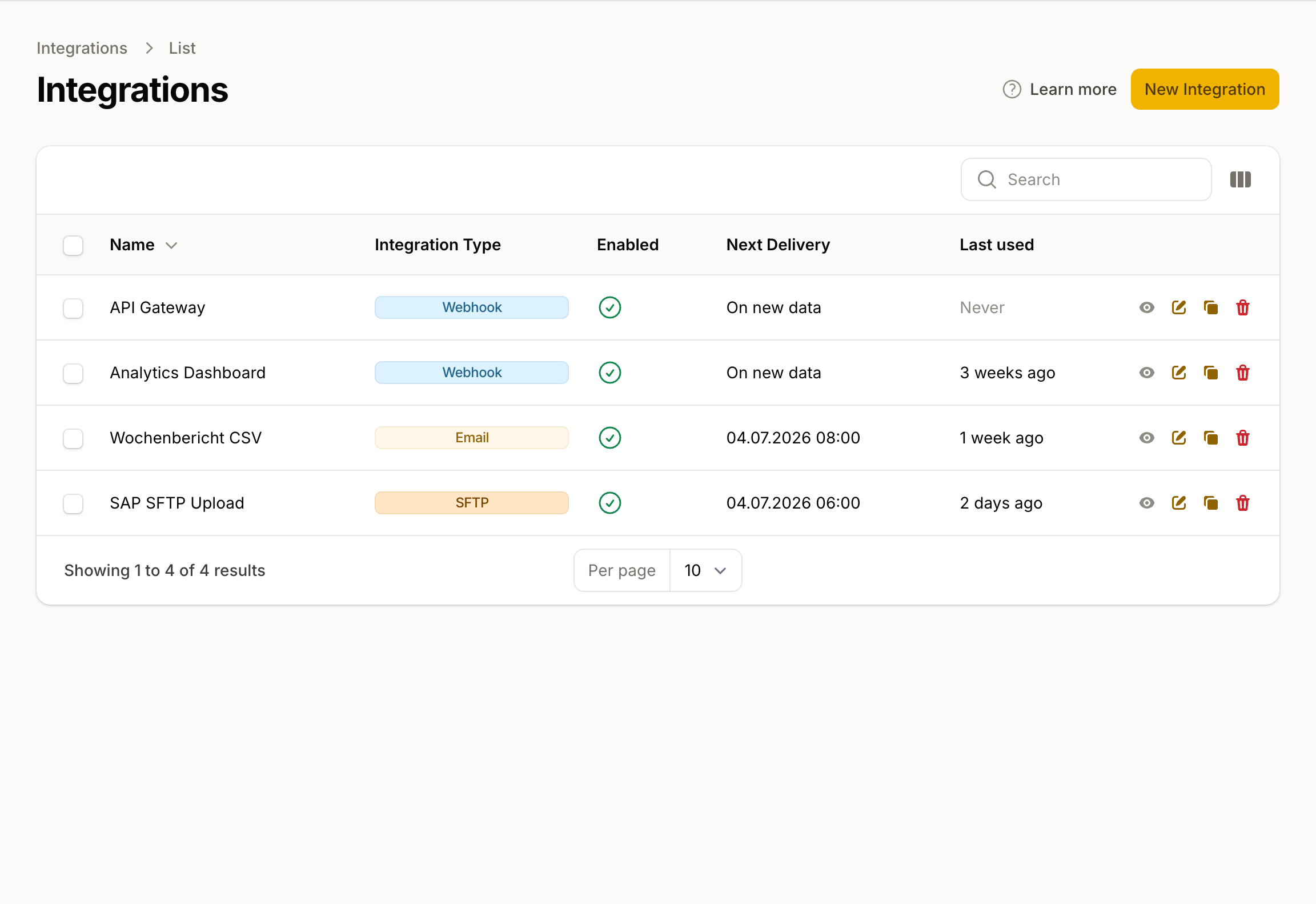
Bring smart meter data into running processes
Feed systems with measurements
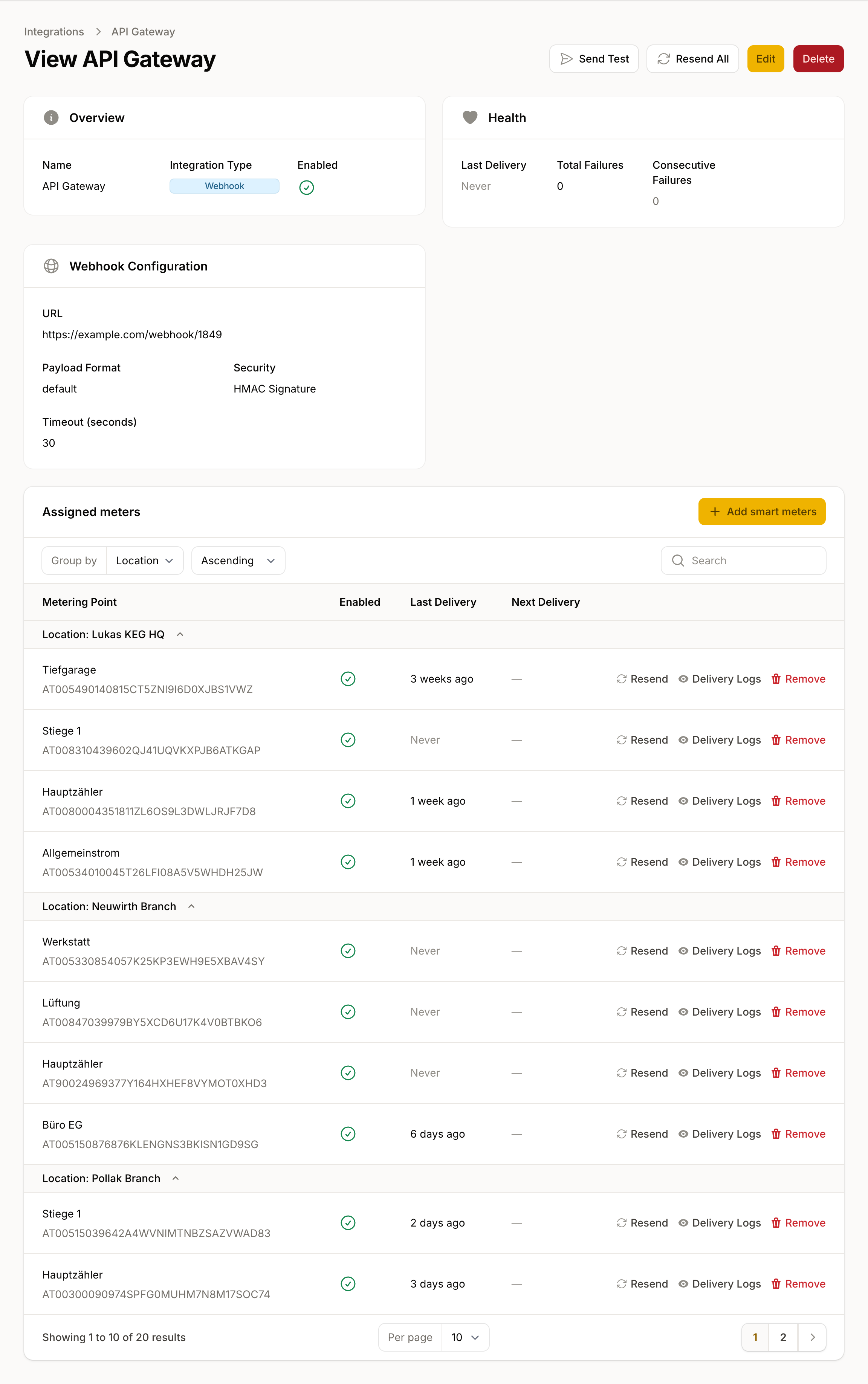
Replace manual file handoffs
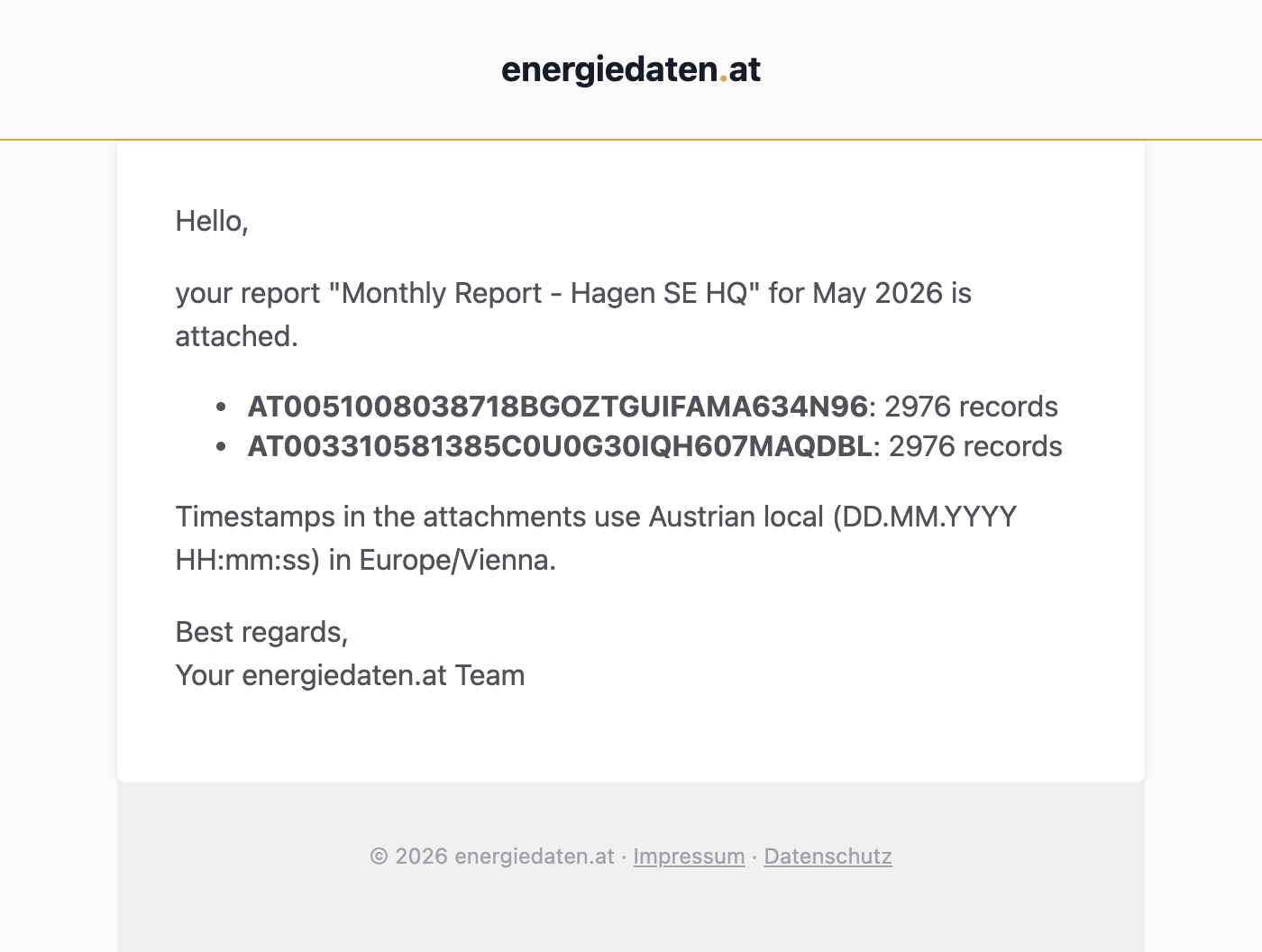
Send reports to teams and customers
How smart meter electricity data flows into your systems
Grid-operator smart meter electricity data
More about smart meter data →
energiedaten.at
We receive grid-operator data, put it into the right format, and route it to your systems.
Typical paths, depending on what the receiving system supports.
Choose the connection by workflow
|
Systems & automation
For receiving software and processes
|
Recurring analysis
For scheduled CSV reports
|
|
|---|---|---|
| I want to … | Send measurements automatically to software, dashboards, IoT systems, or file targets. | Receive regular CSV reports for a week, month, or quarter. |
| Typical paths | API, webhook, MQTT, SFTP, or CSV email | CSV report by email |
| Time range | New data after processing or on a schedule | One week, month, or quarter |
| Fits when … | Your system processes the data directly, for example ThingsBoard or enerchart as an MQTT recipient. | Your team or customers regularly need a file for analysis. |
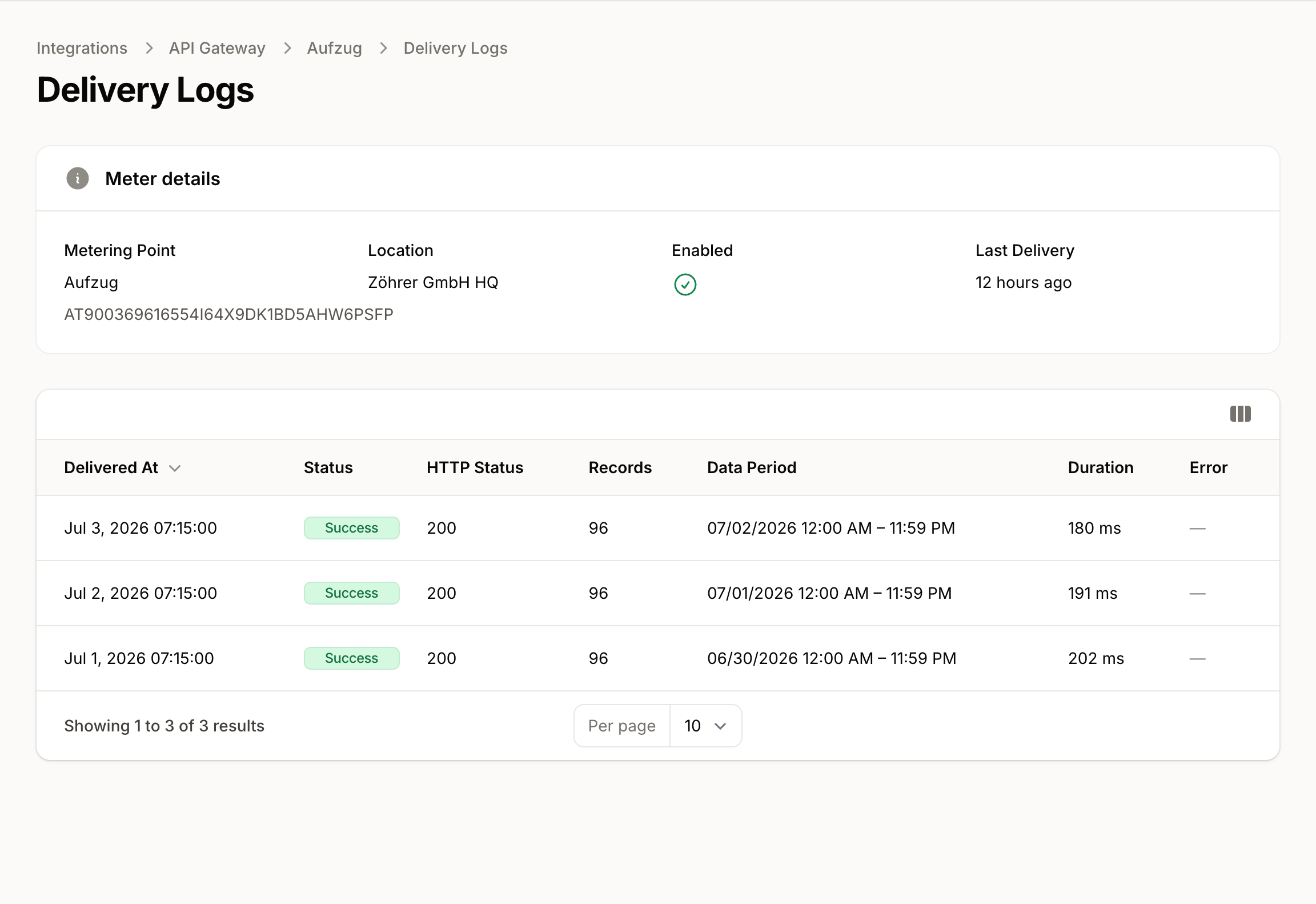
You can see whether data arrived.
Every delivery is verifiable
For every transfer, you can see whether the data reached your system, so the path there stays open to inspection.
The last arrival is visible
Connections show when data was last transferred or retrieved, plus the next scheduled transfer when a schedule exists.
Failures surface instead of hiding
Failed transfers remain visible so silent data gaps are noticed and the affected connection can be checked.
Ask about consumption in your AI assistant
Connect your assistant to the team's data through AI connections (MCP). Ask how consumption differs at the weekend or when a peak occurred.
Frequently asked questions
- Are webhooks and MQTT a live data stream?
- No. Smart meter values reach the platform from the EDA network on the following day. Webhooks and MQTT pass on new data after processing; scheduled connections run on the configured schedule.
- Can one metering point serve several systems?
- Yes. One metering point can serve a backend, an IoT platform, and a file target, for example. Each connection has its own configuration and history.
More features
Smart Meter Data
Daily consumption data from all 140+ Austrian grid areas. Data request, consent, 15-minute values, and a unified format from a single source.
Energy Analysis
Base load, peaks, patterns and benchmarks directly on the platform: analyse 15-minute values for consumption and feed-in, check the quality of every value, take a CSV with you.
Portfolio Management
Your whole portfolio in one workspace: read any customer or location as one curve, report per unit, and grow through file import.
AI connections (MCP)
Explore electricity consumption in your AI assistant. Compare load patterns, investigate demand peaks and connect your assistant directly from this page.
Energy data made easy
Smart meter consumption data via API, webhook, or CSV for all Austrian grid operators.
